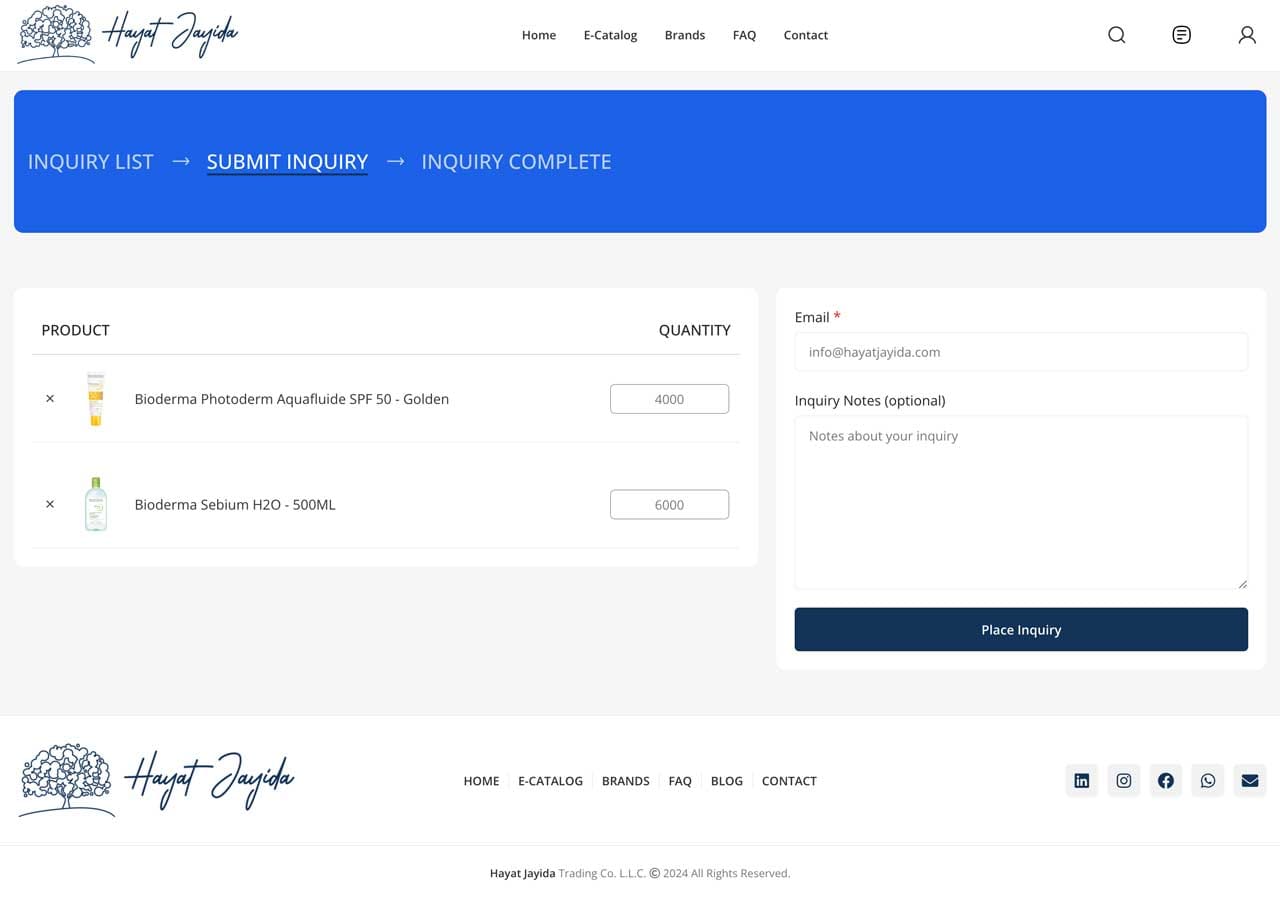


Login to your account
After you complete and submit our account application form, you will receive an email containing your login credentials. Please check both your inbox and your spam or junk folder.
Once you have located your credentials, you can use them to access your account by logging in on our website.
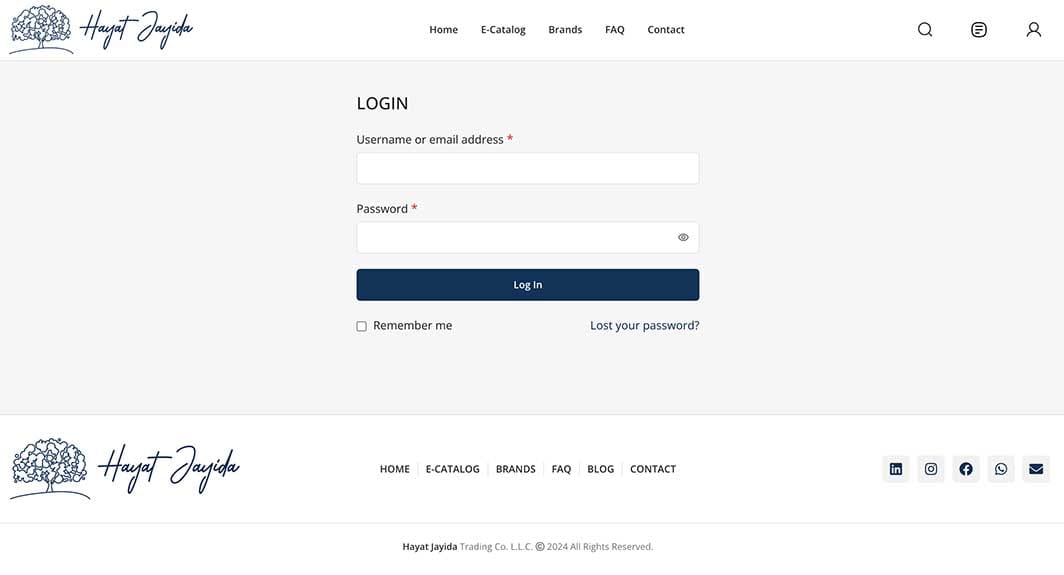
Visit E-Catalog
All products featured in our E-Catalog are available for inquiry.
Additionally, you can discover our latest special offers and newly arrived products and brands on this page, ensuring you stay updated with the freshest selections and exclusive deals we have to offer.
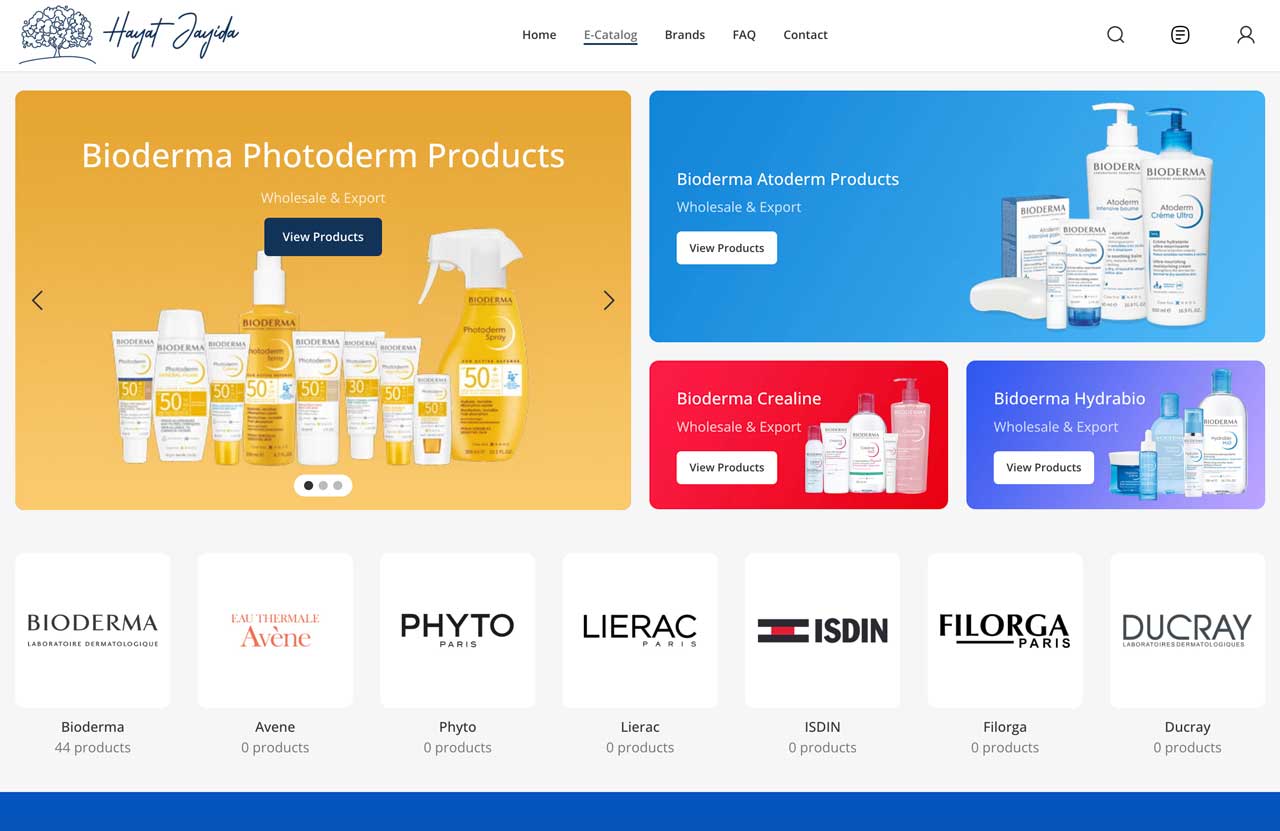
Search products wisely
One of the standout features of our search bar is its exceptional ability to facilitate searches based on a variety of parameters. Users can seamlessly look for products by entering:
1. **Product Name**: Simply type in the name of the item you are looking for, and our system will quickly provide relevant results to help you find exactly what you need.
2. **Brand Name**: If you have a specific brand in mind, you can search by entering the brand's name. This will allow for a focused search that narrows down products to those from the chosen manufacturer.
3. **Product EAN**: For those who prefer precision, searching by the European Article Number (EAN) enables users to locate a product with accuracy, ensuring they find the exact item they are interested in.
With these powerful search parameters, finding the right product has never been easier!
Add products to your inquiry list
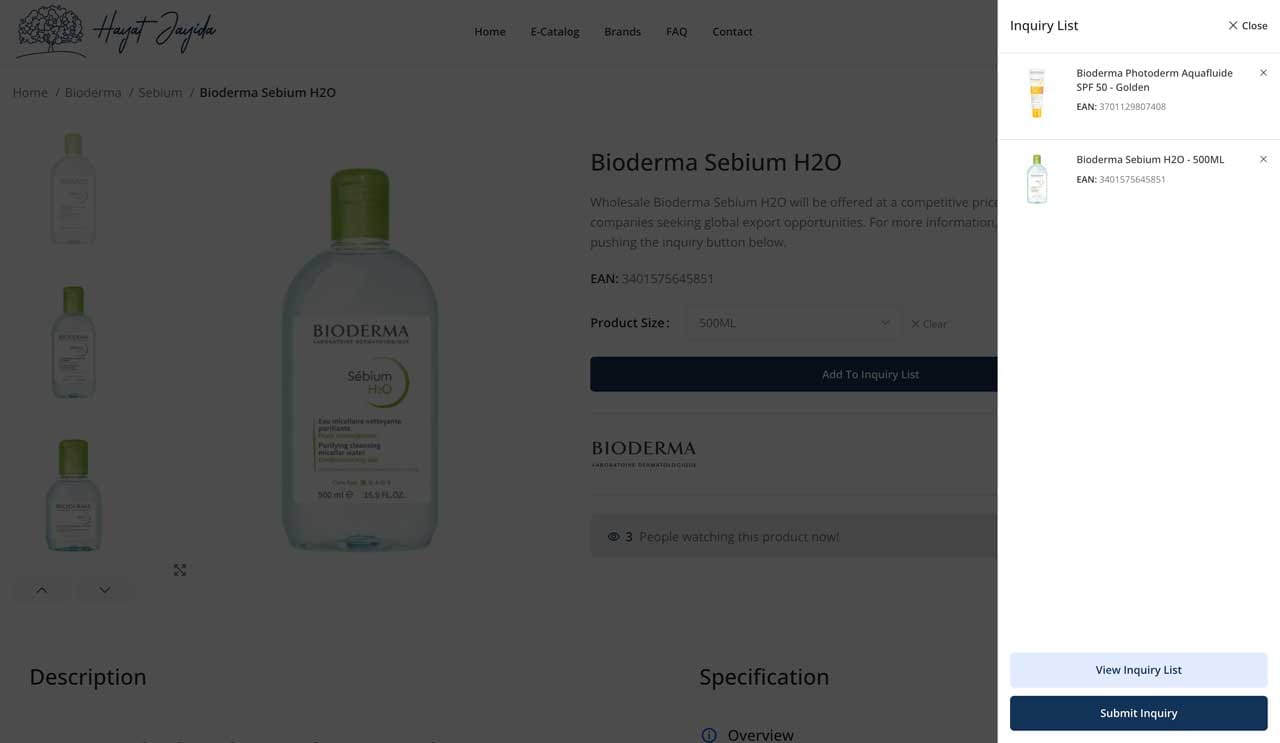
Once you have located the products you want to inquiry, you can add them to your inquiry list for further consideration. At this stage, you will be able to select the specific items that interest you.
Please note that to specify the quantities needed for each product, you will need to click on View Inquiry List button at the bottom of the sidebar.
Specify the quantity
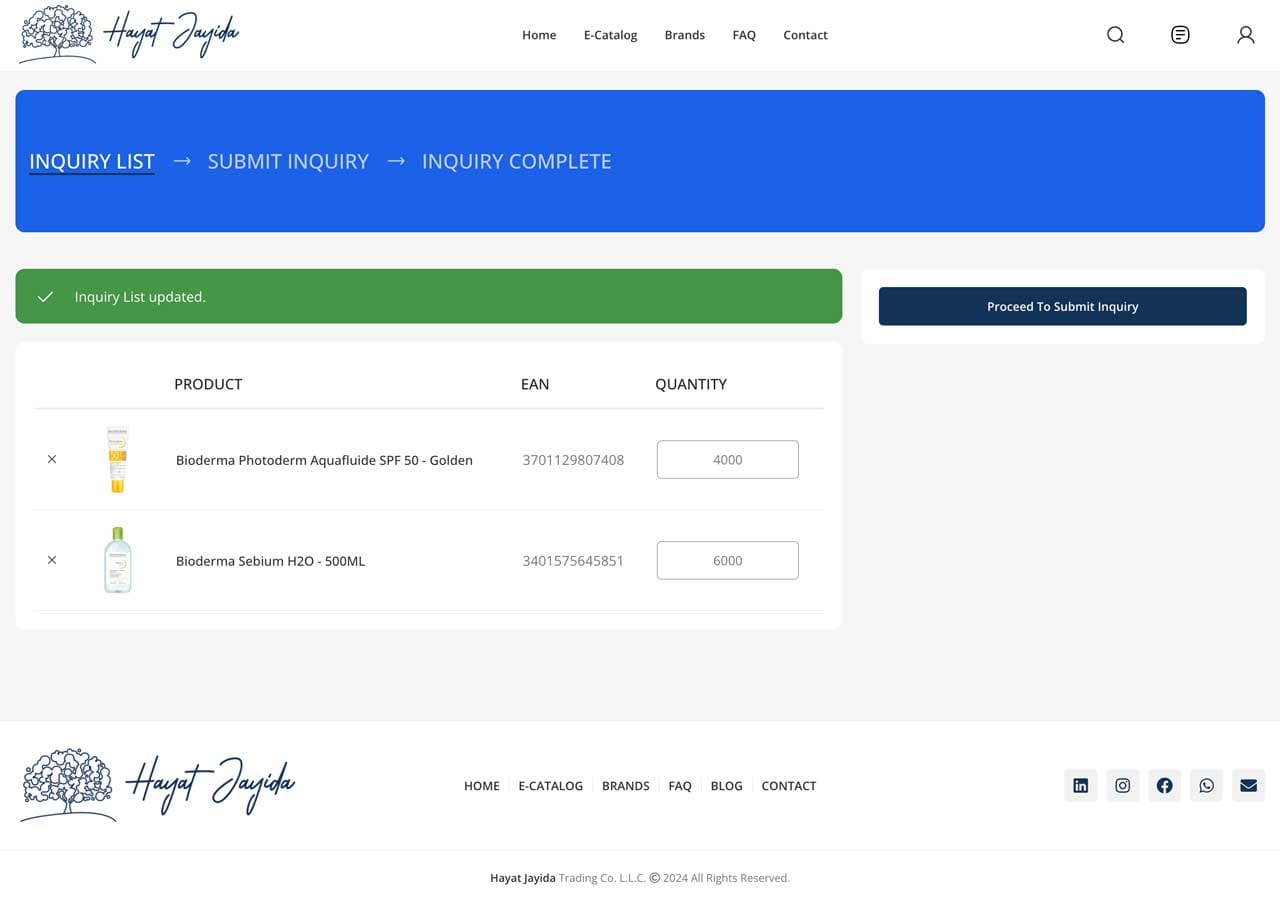
When you add a product to your inquiry list, you will have the option to specify the desired quantity in the designated quantity field. This feature allows you to keep track of how many of each item you are interested in.
The inquiry list updates automatically whenever you input a quantity, ensuring that your selections are current.
Once you successfully enter the quantity, you will receive a notification confirming that the update was completed successfully, providing you with reassurance that your preferences have been recorded accurately.
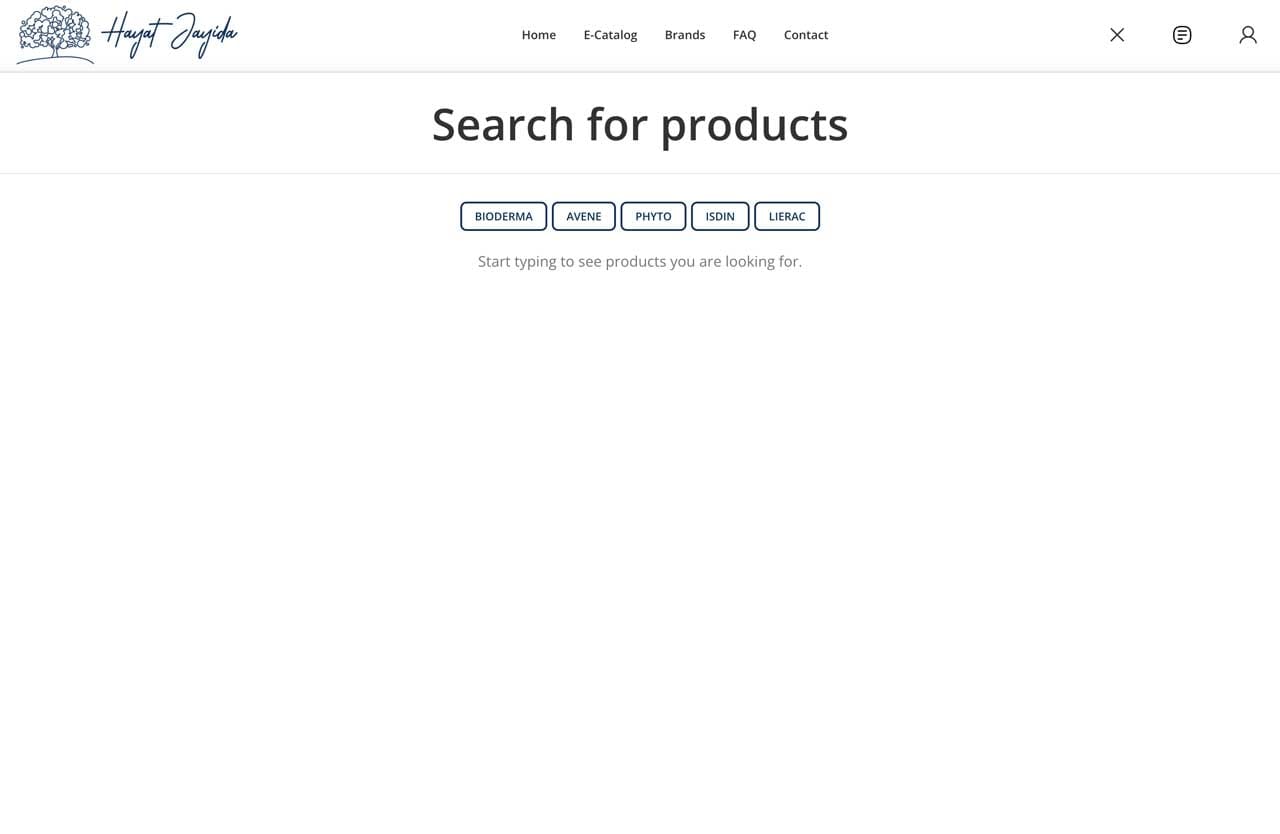
Review & Submit
Please review the quantities you have entered in the previous step. If you notice any discrepancies or errors, you can make changes at this stage without the need to navigate back.
Additionally, if you have any extra information that you would like to include with your inquiry, please make sure to mention them in the inquiry notes section. Your feedback is important to us, and we want to ensure everything is accurate and complete.